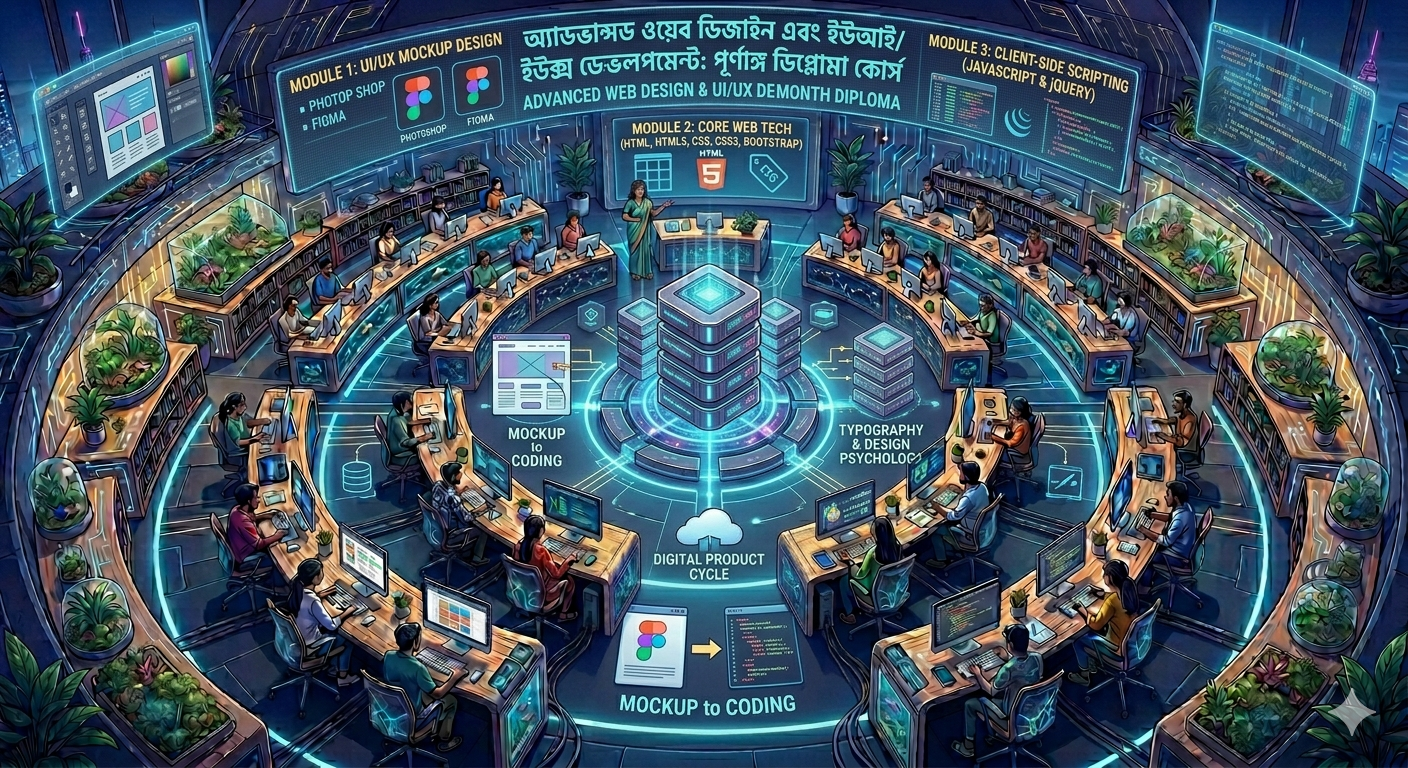
Master the Complete Web Lifecycle: 12-Month Professional Web Design Diploma
Go from a visual designer to a complete front-end engineer. This extensive 12-month program covers everything from initial UI/UX mockups to full-scale interactive code deployment and live project hosting.
Course Overview
To bridge the critical gap between visual asset creation and structural programming. Students spend the first phase mastering design psychology and layout prototyping, the second phase translating those designs into standard client-side code, and the final phase executing live deployments.
📅 12-Month Structural Curriculum Breakdown
Module 1: UI/UX & High-Fidelity Mockup Design (Photoshop & Figma)
Design Theory Foundations: Understanding typography, color hierarchy, negative space, and grid alignment principles.
Adobe Photoshop for Web: Creating structural web layouts, custom digital graphics, vector icon manipulation, and image asset optimization.
Figma Interface Design: Harnessing modern UI tools—working with frames, structural vector networks, typography styles, and auto-layout mechanics.
Component Libraries: Building reusable UI kits in Figma containing functional buttons, navigation systems, forms, and input elements.
Interactive Prototyping: Setting up visual user journeys, transitions, and click-through presentation flows for mobile apps and desktop software.
Module 2: Core Web Architecture (HTML & HTML5)
The Web Ecosystem: Understanding local vs. remote environments, client-server models, and domain/hosting fundamentals.
Semantic Blueprinting: Structuring content clean and layout-perfect using headings, nested lists, and semantic tags (<header>, <nav>, <section>, <article>, <footer>).
Interactive Components: Building secure, data-collecting forms with client-side placeholders, attributes, and structural validation tags.
Module 3: Visual Engineering & Fluid Dynamics (CSS & CSS3)
Targeting & Specificity: Complete mastery over ID, Class, Attribute, and Pseudo-class selectors.
The Box Model Mechanics: Total control over element margins, padding boundaries, borders, dimensions, and hidden overflows.
Layout Orchestration: Traditional layout positioning rules (relative, absolute, fixed) transitioning into modern, fluid CSS Flexbox alignment structures.
CSS3 Styling & Effects: Implementing multi-stop gradients, box-shadow depths, custom web-typography, transitions, and keyframe animations.
Module 4: Mobile-First Responsive Frameworks (Bootstrap)
The 12-Column Responsive Grid: Implementing structural flexbox breakpoints (sm, md, lg, xl, xxl) to ensure websites adapt to screens of any size.
Rapid Component Integration: Deploying pre-engineered navigation menus, animated modals, dropdown lists, alert boxes, cards, and image carousels.
Shorthand Utility Classes: Fine-tuning design spacing, text alignment, and border parameters directly inside HTML blocks.
Module 5: Client-Side Interactive Logic (JavaScript & jQuery)
Programming Foundations: Variable scopes (let, const), arrays, loops, and conditional structures (if-else).
DOM Traversal & Mutation: Target, alter, and inject fresh HTML elements or toggle styling rules dynamically via client scripts.
Event Architecture: Capturing and processing user actions like mouse triggers, keystrokes, form submissions, and viewport resizing.
jQuery Accelerated Workflow: Streamlining vanilla JavaScript into clean, cross-browser compatible jQuery script blocks for advanced slider modifications, visibility transitions, and chaining effects.
Module 6: Mockup to Coding (The Production Translation)
Asset Export Optimization: Exporting SVG vectors, WebP images, and custom typography parameters out of Figma and Photoshop.
Pixel-Perfect Slicing: Learning the exact process of taking a static visual mockup file and translating it line-by-line into clean, production-ready HTML5 and CSS3 code.
Responsive Conversion: Ensuring the coded mockup functions fluidly on mobile devices, tablets, and wide-screen monitors.
Module 7: The Live Capstone Project & Server Deployment
System Design & Execution: Building a complete multi-page commercial corporate platform or dynamic web interface from scratch.
Code Review & Refinement: Cleaning structural layouts, minimizing script delivery footprints, and verifying cross-browser uniformity.
Going Live: Configuring production-ready host environments, executing file transfer protocols (FTP), managing server subdomains, and launching the finished application live on the web.
🎯 Key Career Benefits of the 12-Month Diploma
Full-Spectrum Capability: Most professionals only design or only code; this 12-month program turns you into a dual-threat designer who handles the product from visual prototype to the final code.
Deep Academic and Practical Focus: The extended duration allows for deep logic building and troubleshooting routines that short courses skip.
Enterprise Portfolio: Graduate with an exhaustive personal portfolio featuring live, functioning URLs of websites you designed from scratch to show top-tier IT agencies or remote international clients.